🚀 WebView 1.2.0 Released: HTML/CSS/JavaScript Web UI for Unreal Engine
🚀 WebView 1.2.0 Released: HTML/CSS/JavaScript Web UI for Unreal Engine
📘 Documentation: WebView Documentation
🎮 Playable Demo: Download Windows Demo
💬 Forum: Join the Forum
WebView 1.2.0 is now available.
WebView is an HTML/CSS/JavaScript Web UI plugin for Unreal Engine. It uses CEF/Chromium to display local or remote pages inside UMG and communicate with Blueprint / C++ through a JavaScript Bridge.
This 1.2.0 update focuses on editor workflow, demo content, localization, input focus, and practical in-project web UI usage.
✨ Basic Info
- 🧩 Plugin: WebView
- 🏷️ Version: 1.2.0
- 🛠️ Engine: UE 5.0 - 5.7
- 💻 Platform: Win64
- 🌐 Tech: CEF / Chromium, HTML, CSS, JavaScript, UMG
🎯 Use Cases
- 🎮 In-game HTML menus and HUDs
- 🧭 Main menus, pause menus, settings screens
- 🎒 Inventory, shop, quest, and event pages
- 📺 Video panels, announcements, and embedded web content
- 🔁 UI that needs JavaScript to Blueprint / C++ communication
- 🧪 Fast web UI preview and iteration inside UE
🔥 Update Highlights
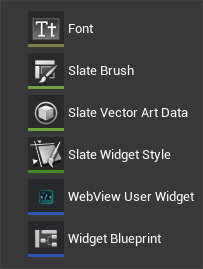
- 🧩 Added the WebViewEditor module
- 🖱️ Create WebView User Widgets from the editor context menu
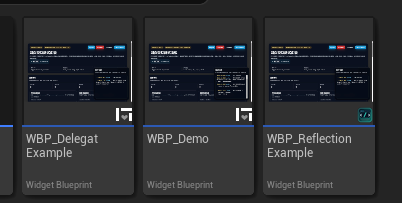
- 🖼️ Real Content Browser thumbnails for WebView demo Blueprints
- 🎨 Added plugin icons and FAB thumbnail assets
- 🌍 Added editor localization resources and gather / compile scripts
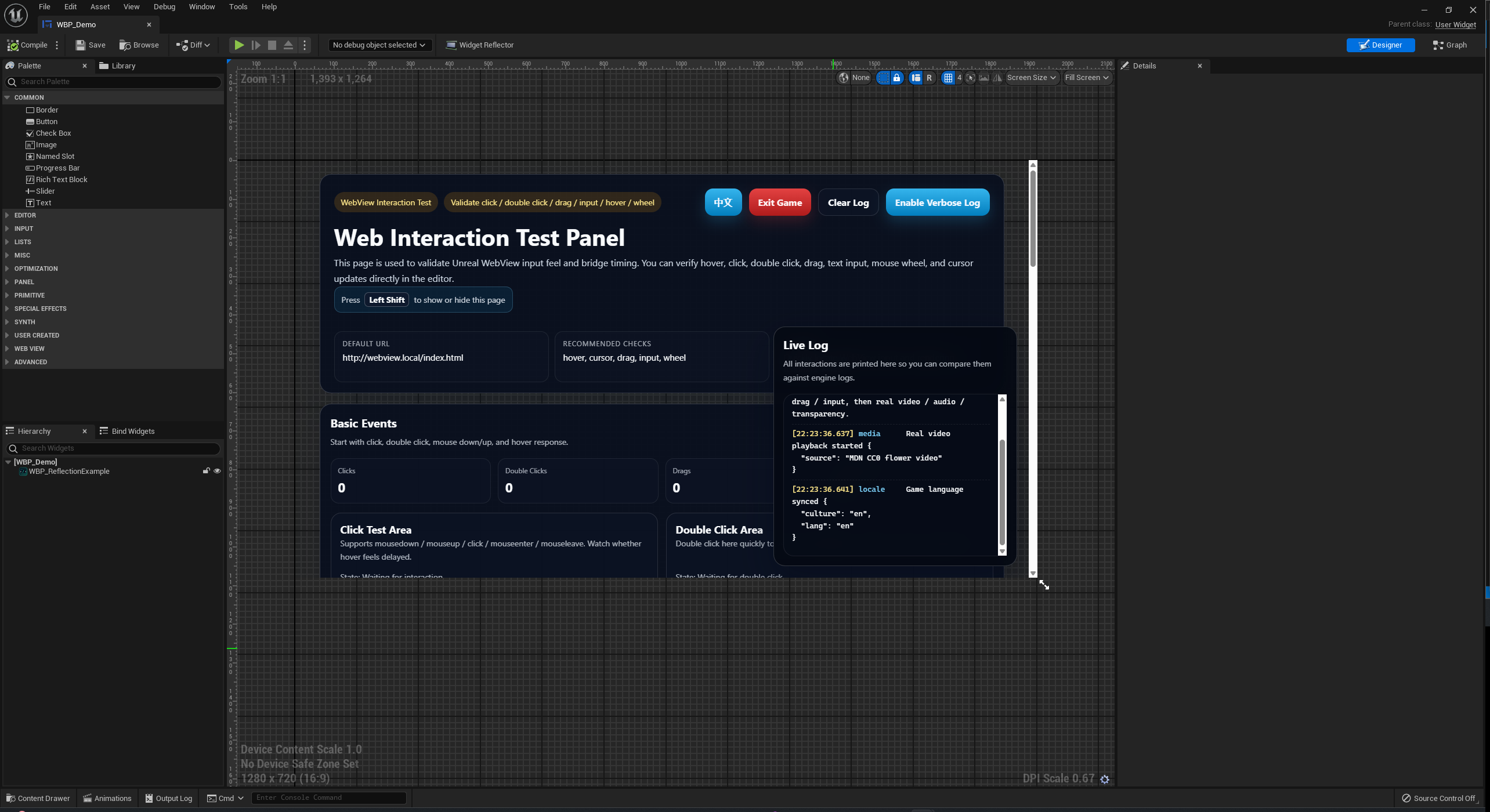
- 🧪 Updated demo HTML with language switching, exit button entry points, and a Left Shift show/hide hint
- ⌨️ Improved input focus so Unreal can still receive Shift / Escape hotkeys while WebView is focused
- 🧷 Recommended click passthrough workflow now uses CSS
pointer-events: none; - ⚠️ Transparent Click Passthrough is now marked Deprecated with migration guidance
- 🧰 Updated demo Blueprints, Demo Map, and UE 5.0 compatibility content
- 🛡️ Improved CEF initialization, error handling, and Helper recovery
🧬 JavaScript Bridge
Use WebView.call(...) and WebView.send(...) on the web side. Unreal can handle requests through Blueprint / C++ and call JavaScript callbacks when needed.
Existing JavaScript Bridge calls do not need to change for this update.
⚠️ Upgrade Notes
If you used Transparent Click Passthrough, migrate gradually to browser-side CSS:
pointer-events: none;
By default, web elements still use pointer-events: auto. Only passthrough regions need none.
To let Unreal keep receiving hotkeys while WebView is focused, enable:
Allow Game Input While WebView Focused
评论
0 条